01
Portals for people who shouldn’t live in Notion
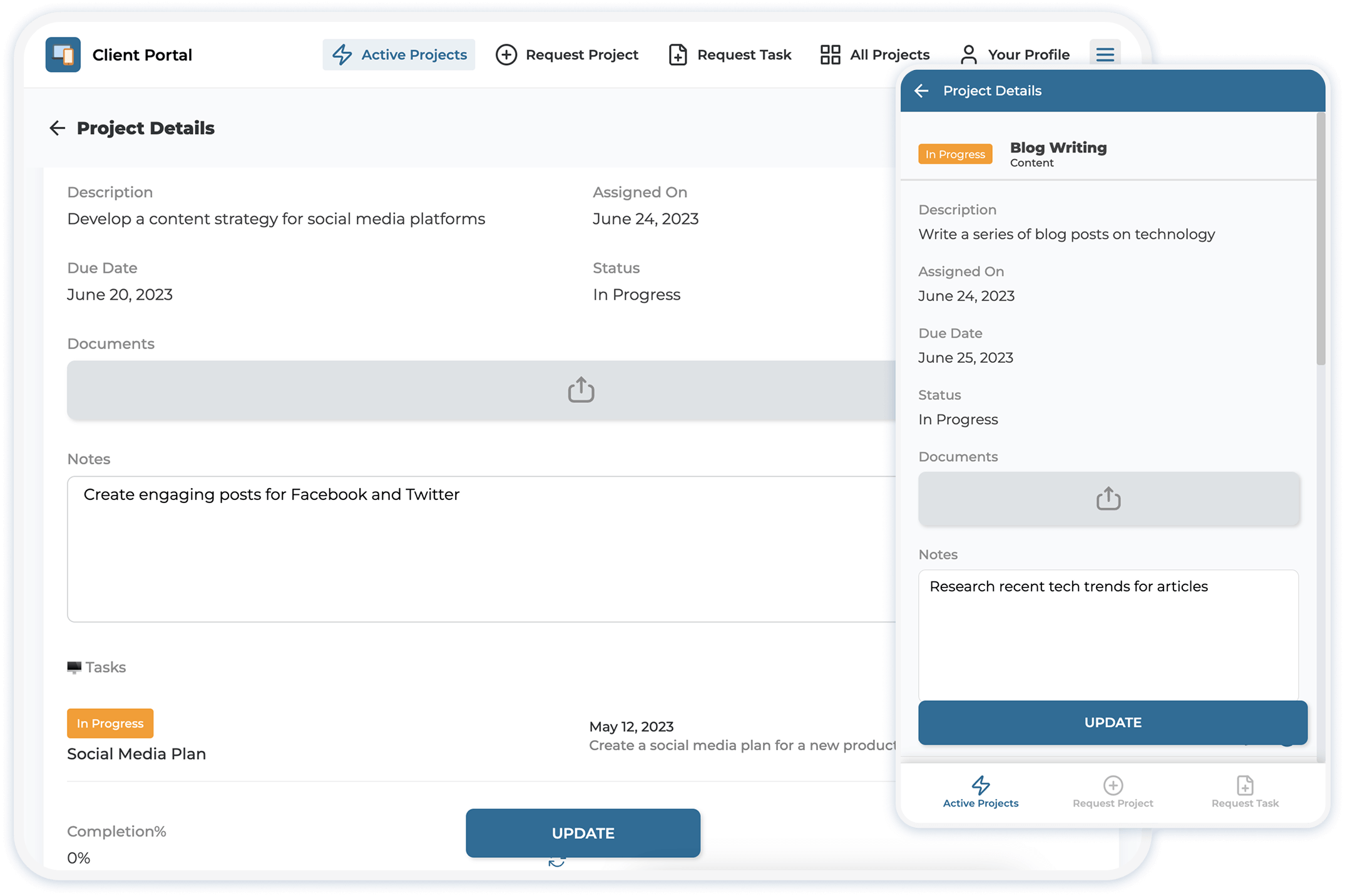
Clients, vendors, field teams, and members get a real app—login, screens, and mobile install—without guest seats or a shared workspace.
NotionApps















Why Notion alone isn’t enough
Clients, vendors, field teams, and members get a real app—login, screens, and mobile install—without guest seats or a shared workspace.
Row-level permissions let every logged-in user open the same app and only see the records meant for them. No oversharing the full database.

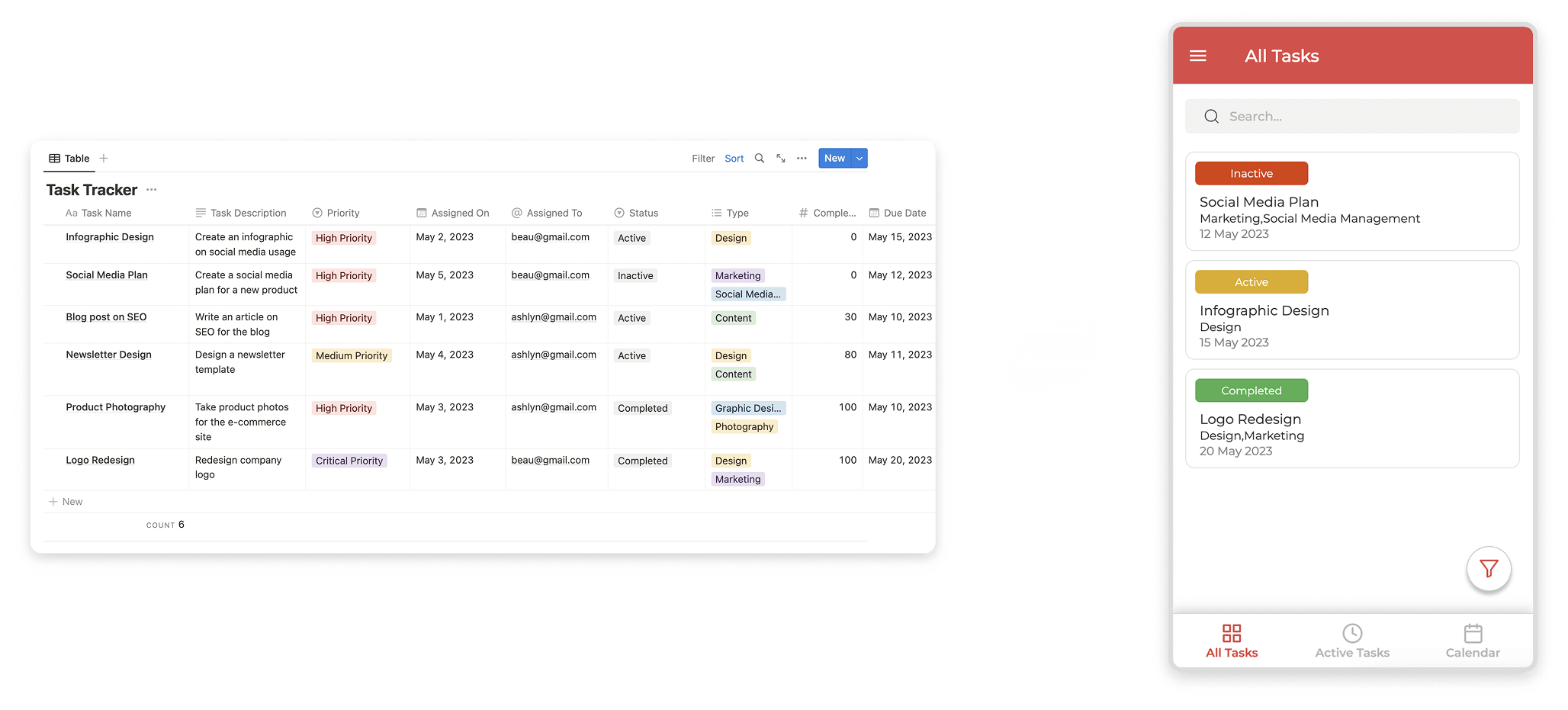
Updates in the app write back to Notion. Updates in Notion show up in the app. Keep one source of truth instead of copying data into another tool.
How it works
1
Connect Notion
Link the pages and databases you already run. No migration—Notion stays where the data lives.

2
Configure the app
Add screens, login, forms, and branding. Set who can open the app and what each person can see.
3
Publish and share
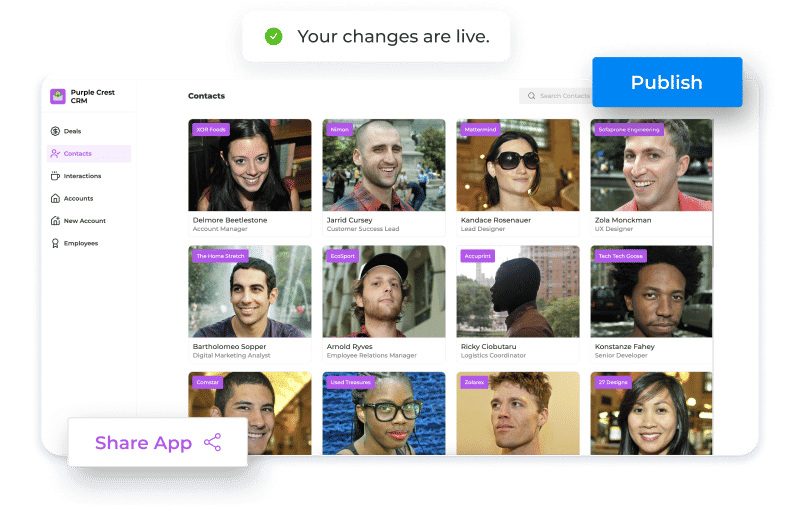
Share a web link or custom domain. Changes stay aligned between the app and Notion automatically.
Grow beyond the portal
After someone submits, updates, or requests a decision, Workflow, Messaging, and Approval Management route the next step—without leaving Notion as the system of record.
Approvals, exceptions, and follow-ups happen in the published app—so clients and teammates act where the work already lives.
Fonts, CSS, and JavaScript polish the brand and connect embedded tools—supporting the process, not replacing it.
Ship the portal first. Grow into the process engine when the business needs approvals, routing, and conversations tied to the work—without duplicating Notion into another stack.
Use Cases
Client Portal
Let clients submit requests, track projects, discuss work, and receive updates from one secure portal.

Field Operations
Collect field reports, photos, and signatures, then route approvals and office notifications automatically.
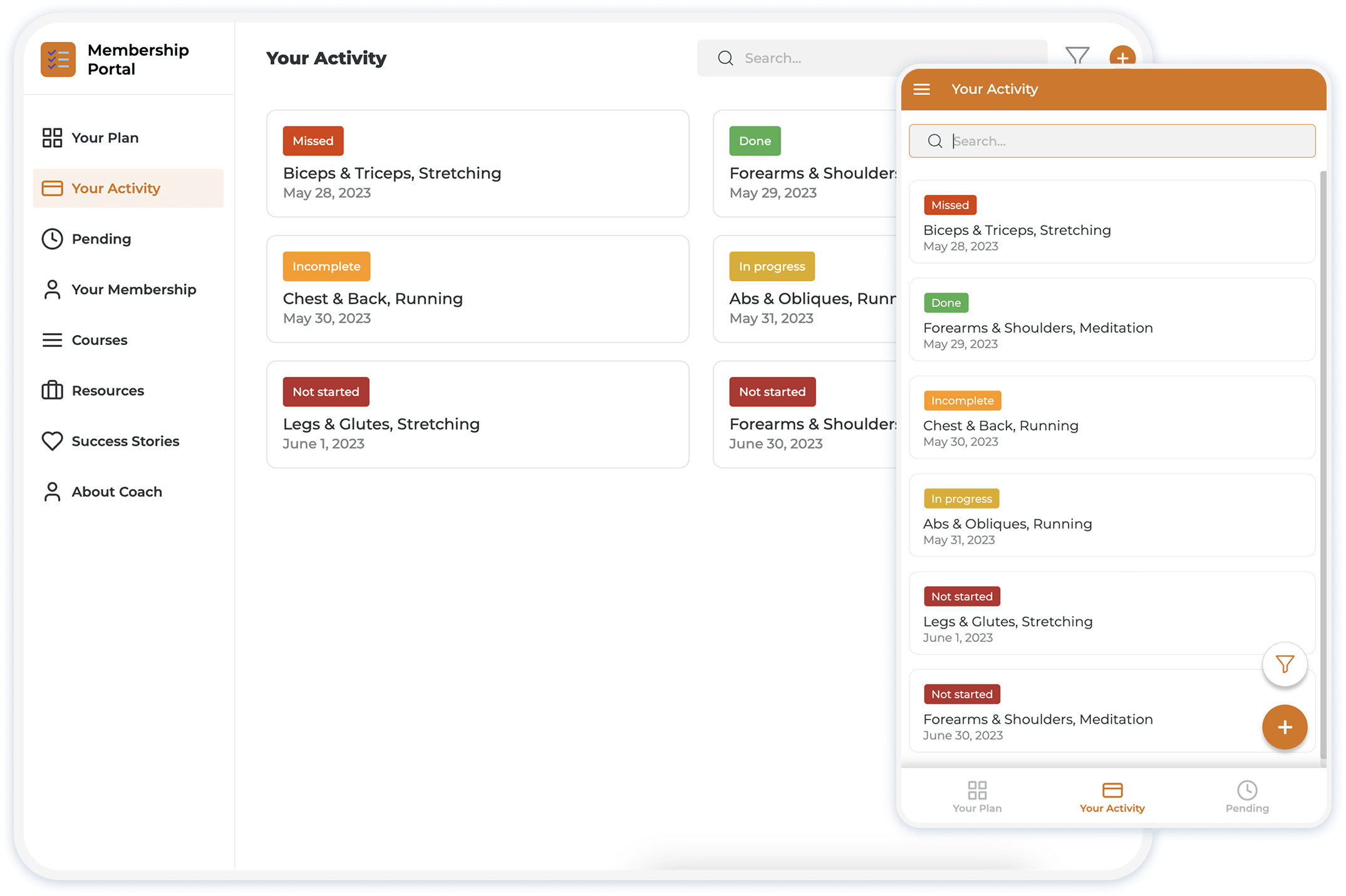
Membership Portal
Give members a personalized space for content, renewals, announcements, and onboarding tasks.

Task Tracker
Track internal work across teams, notify owners on status changes, and keep conversations on the record.
Testimonials
Building blocks
Builder, login, branding, and components—once the story above is clear.
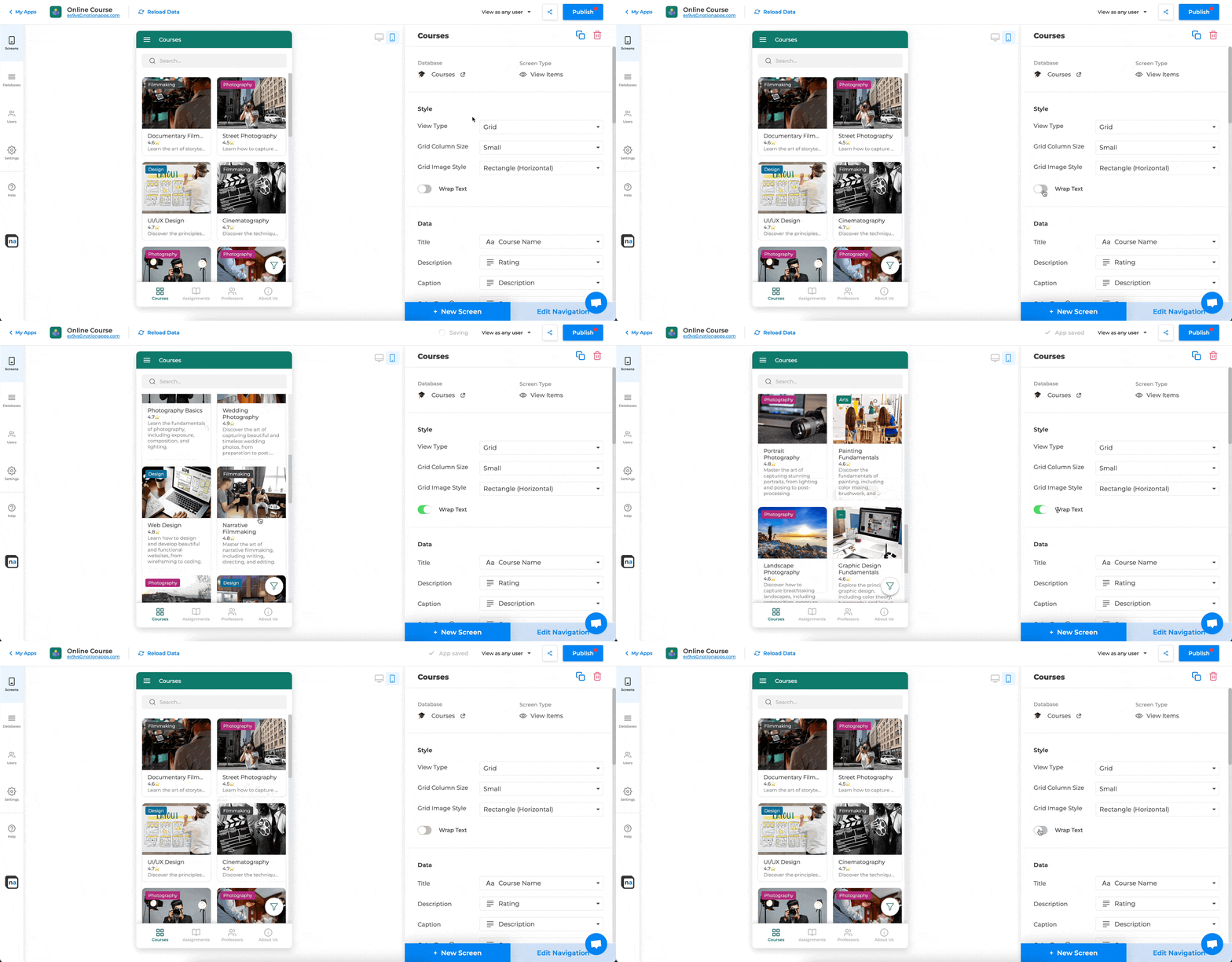
Use our simple drag-drop tool to create apps customized to your business. The builder has a live preview to test what you are building in just a few clicks.

Apps have a professional look and feel on all devices—desktop, tablet or mobile. All the screens and components are designed to be responsive by default.
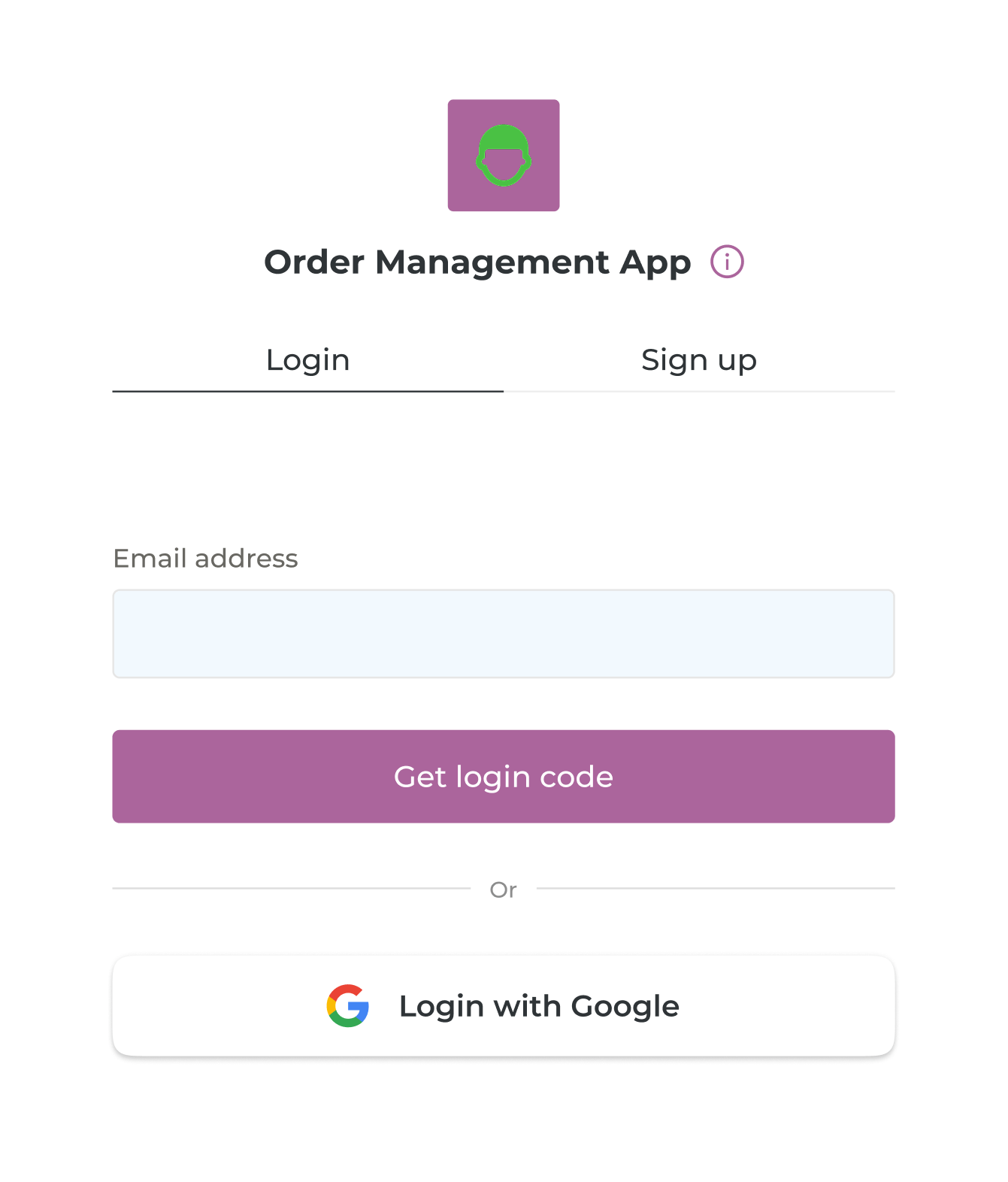
Let your users securely login in and sign up: via one-time access code or using their Google account. Seamlessly manage your user data on Notion.
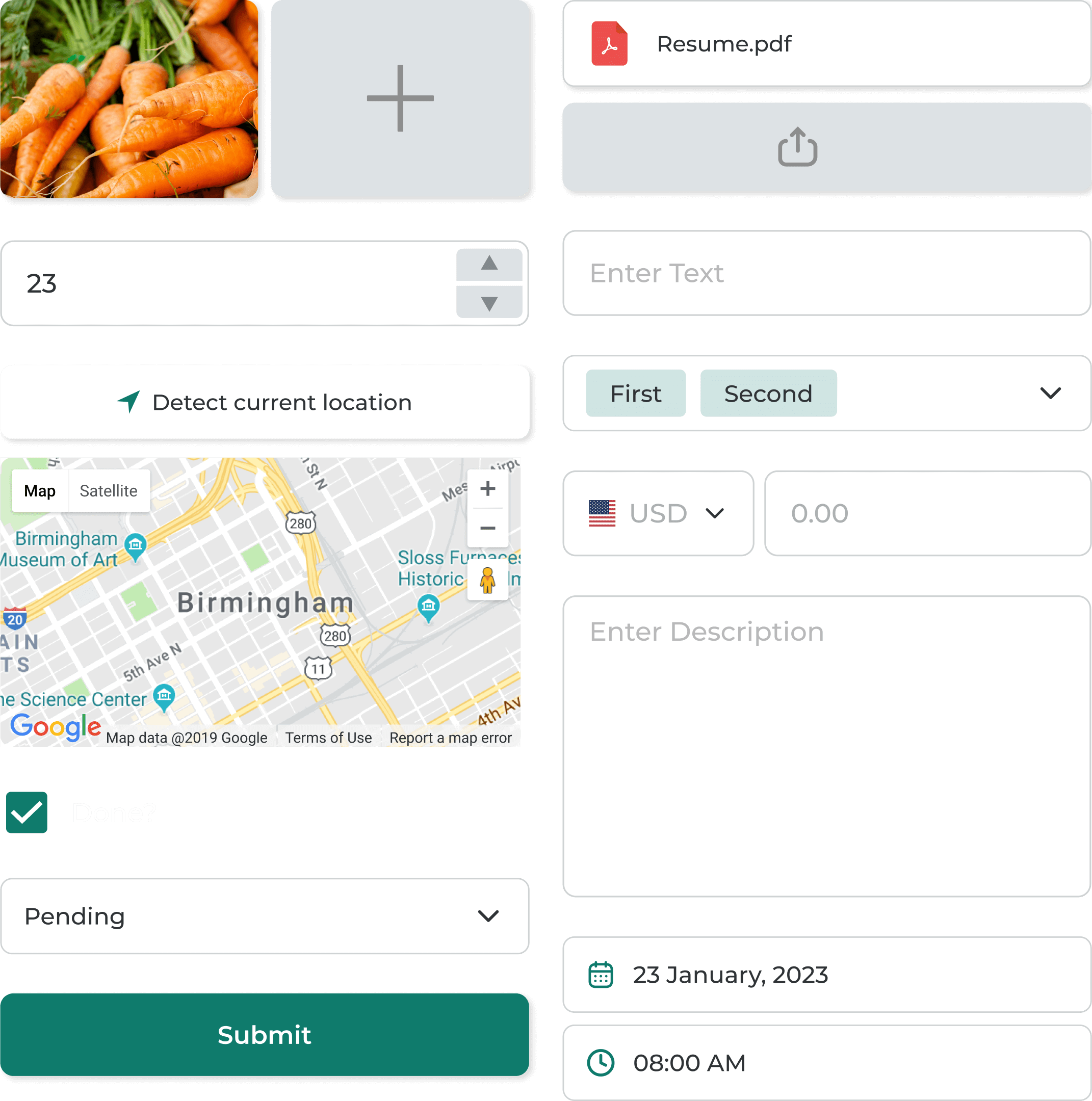
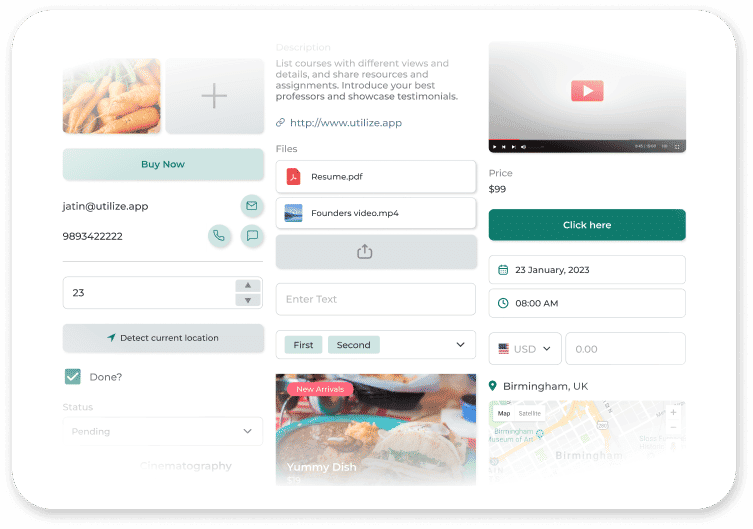
Create customized forms in your app with different input components to add new items and update existing items in your Notion databases.
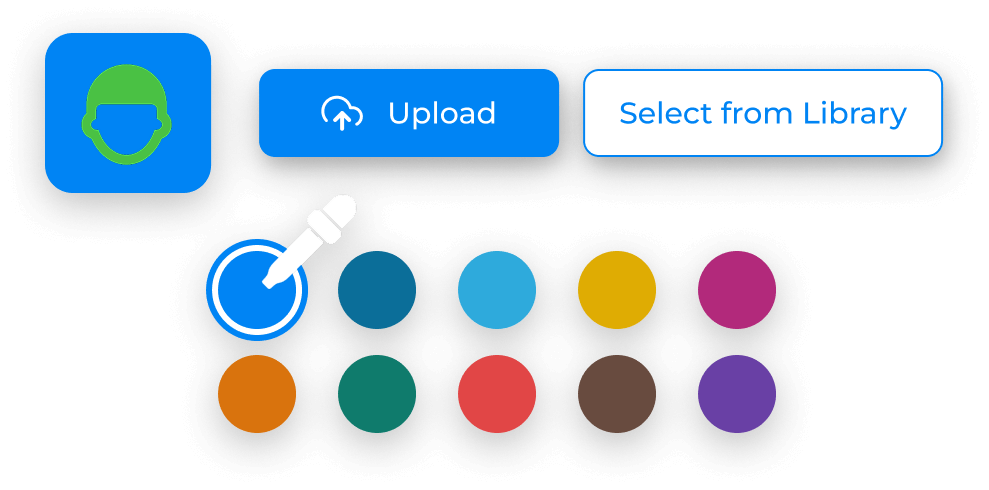
Give your app a unique look by customizing the app icon, color theme, name, and URL to match your brand.
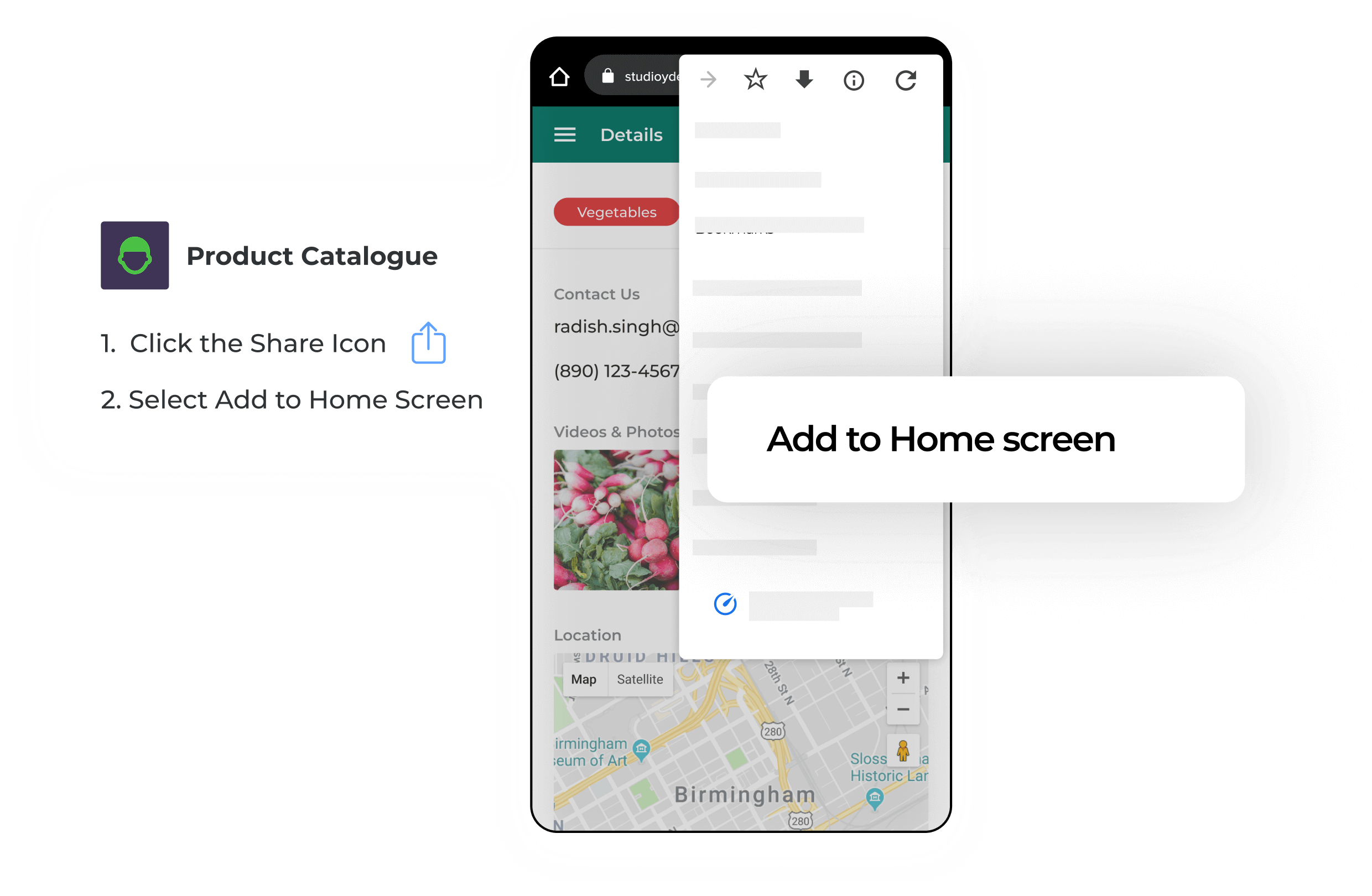
Let users install your app to their home screen on Android and iOS—no app store needed.
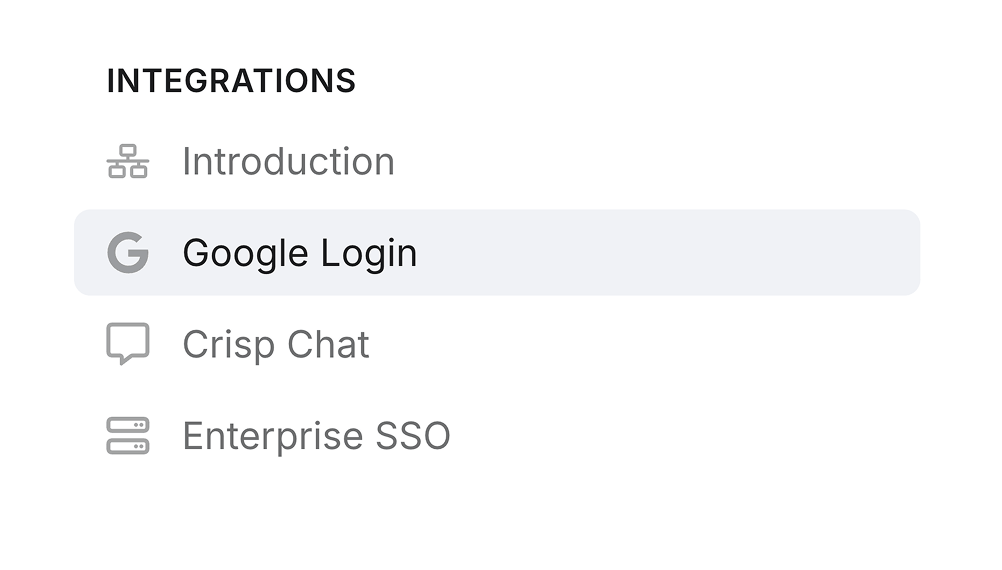
Connect tools without coding. First integrations include Google Login, Crisp, Intercom, and Enterprise SSO.
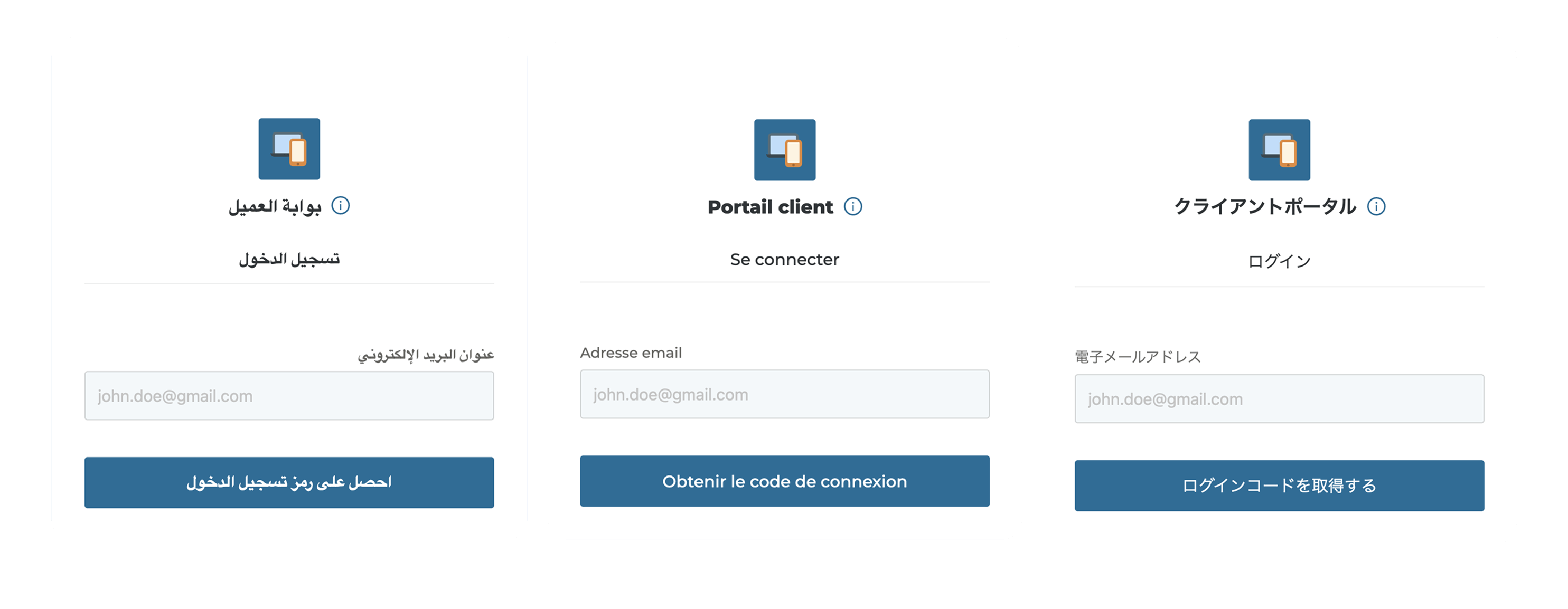
Apps detect the user’s language and display text locally. Supporting French, Japanese, Spanish, Italian and 15+ languages.
Polish branding and behavior when you need it—styling, embeds, and business-specific interactions.

Custom Domain

Barcode & QR Scanner

Maps & Location

Signature Component

Media Components

File Components

Button Component

Notifications and Announcements
The tool only has access to data that you choose to share access to build apps. We do not engage in any selling, tracking, or analysing of your data.
Resources

Kickstart your app instantly with ready-made templates.


Connect with other Notion users, ask questions, and get support.

Explore our docs to learn how to create and customize apps.

Need a hand? Get an app built for you by a Notion expert.