The work is already in Notion. Projects have owners. Files sit on the rows they belong to. Status has a word your team agreed on, and the Monday view filters on that word. An agency can run a year of client work this way. A studio can. A firm that sells the same service to a list of companies can. The database is the system of record, and it should stay that way.
The client is a different person. They hired you for the work. They want their projects, the files that belong to those projects, and a status they can read without a legend. They do not want the rest of the workspace: the other clients, the internal notes, the properties you added so billing can sort, the sidebar your producers live in.
A shared link feels like the short way to give them that. You filter a view to one account, you click Share, and you send the URL. The page opens. Their name is on the screen. So is a bar that says "Get Notion free." That bar is the tell. The page was meant to be yours. The frame around it is still Notion's, and it is asking your client to become a Notion user.
A portal is a different door on the same rows. They sign in. They see their projects, their files, and their status. The address is yours. The theme is yours. The other companies are not on the screen.
What a client is doing in your workspace today
Open the link the way they open it. They are on a phone between meetings, or on a laptop they use for their own company, and someone on your team pasted a Notion URL into email. The page loads. If the view was filtered with care, the projects on screen are theirs. The files are the ones you meant them to have. The status says in review, or approved, or waiting on them.
Around that, the workspace is still there. The sidebar lists databases they were never meant to open. A linked view shows a property your team uses internally and never translates. Comments from a producer sit under a block. A template button offers to create a page in a database that holds every account you have. If the share was broader than the view, they can follow a relation and land on another client's row, because a relation is a real link and a shared page follows it.
Some clients poke around. Most of them do not. They email you for the file that was already on the page, or they ask what "in review" means, because the page never said it in their words. A few of them notice the other names. That is the moment a convenience becomes a problem. You did not publish a directory of your clients on purpose. The share published the workspace, and the workspace contains the directory.
Notion is doing what it is for. It is a tool for the people who maintain the work. Editors, producers, the person who fixes a status when a row was filed wrong: they need the properties, the views, and the freedom to change the structure when the work changes. A client hired you for an outcome. Handing them the tool is how a status update turns into a tour of your sidebar.
The shared link also does not know who clicked it. Anyone with the URL has the same page. A client forwards it to a colleague, a contractor, a new hire who left last spring. You can rotate the link. You cannot look at a list and say this person is allowed and that person is not. A portal starts from that list.
Login that checks an email you already store
You already know who the client is. Their name and their email are in a table, or they are on the project row, or they are the person who signed the statement of work. A portal uses that list. It does not ask them to create a Notion account, and it does not ask you to invent a second list of users in another product and then keep the two lists in step.
The people allowed in live in a Users database. Name and email. The app checks that list at the door.
For most firms the check is an email and a one-time code, or Google. The person proves they are the address you allowed, and they are in. A company whose own IT already signs everyone in can use that same sign-in here, so the portal is not a new password to forget and not a new account to offboard by hand.
Signup, if you turn it on, is still a door you control. You can leave it off and add people yourself, which is the right default when the client list is the list on the statement of work. You can open signup and limit it to addresses at one domain, so a client company can add their own staff and a stranger cannot. The Users database remains the allow list. An address that is not on it stays outside.
That is the difference a forwarded link cannot fake. The shared Notion URL is a key that anyone can copy. The login is a check against an email you already store. When someone leaves the client's team, you remove the row. The next code does not let them in. The projects do not have to be reshared, and the rest of the workspace was never in their hands.
One database, a different list for each client
The projects stay in one database. The files stay on those rows, or in the file property you already use. The status stays the word your Monday board already filters on. You do not build a separate Notion workspace per client, and you do not copy columns from one database to another every time a new account starts.
What changes is the list. A login belongs to a person. That person belongs to a company, by a relation or by the email on the row. The app opens on the projects that point at that company. A second client signs in with a different email and sees a different list. Same database. Same properties. A shorter set of rows.
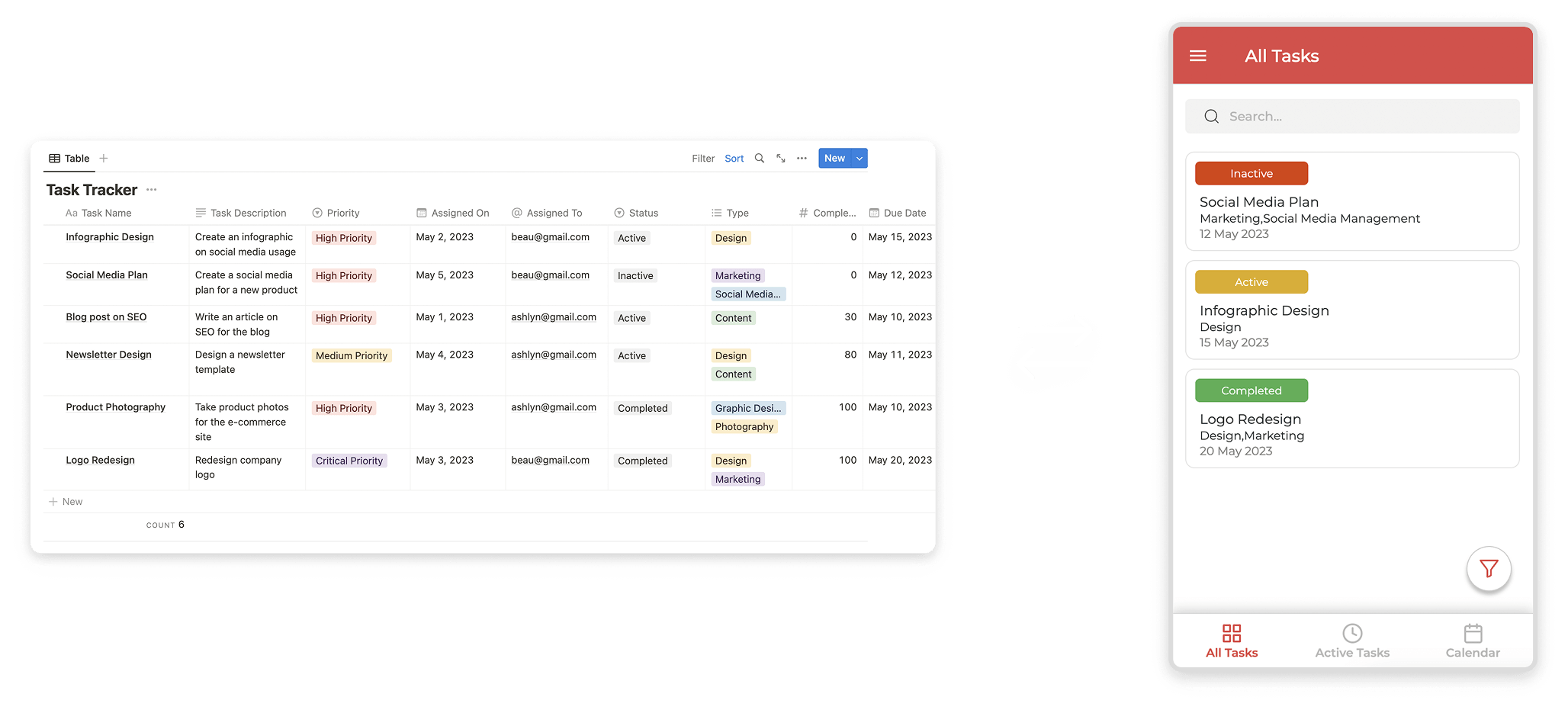
This is the shape of a client hub. One company's work per login. Their projects. Their files. Their status. A way to answer: approve this, ask for a change, request the next piece of work. Your team keeps editing the source in Notion. The client never opens Notion to do it.
The rule has to be on the row, not on the menu. Hiding a screen keeps a button out of the navigation. It does not keep a person out of a record they were never meant to see. If the project is related to one company, the portal shows that company's projects to the people related to that company. If the email on the row matches the email they used to sign in, the portal shows that row. Everyone else's rows stay out. A shared view with a filter is a good start for your team. It is not a lock. The filter is a lens. The login and the relation are the lock.
Write the relation when the work is created. A project belongs to a client. A file belongs to a project. A request belongs to the company that sent it. When that link is a relation, the client's page can list their projects because the row points at a real record. When the link is a name typed into a text field, you have two lists that only look connected. New work should write the relation. Old rows can keep the text they already have until you next open them. The archive does not need a migration project before the first client can sign in.
The words stay the words you already use. Approved, in review, waiting on the client, complete. The portal sets the same values a person on your team would have set by hand. You do not invent a second vocabulary for the client and then translate it back every evening. "In review" should mean in review. "Approved" should mean they can use it.
Internal notes stay off that screen. So do the other clients' names, the margin, the properties that exist so your producers can sort. The client sees the status you are willing to show them and the files you attached for them. Your team sees the rest, in Notion, where the editing already happens.
Your domain on the address bar
The last tell is the address. A notion.so link, or a notion.site link, says the page lives in someone else's product. The "Get Notion free" bar says the same thing in the corner of the screen. A client who does business with you should see your name before they see a tool vendor.
Put the portal on a domain you already own. A subdomain is enough: portal under the site you already send people to. The address bar then matches the company they hired. You do not need a new company name for the app, and you do not need to move the databases out of Notion to get there.
The icon, the name, and the colors do the same job as the domain. People trust a link that matches the organization they already know. They hesitate at a link that looks like someone else's product with your logo pasted on. The theme is the first proof that this door is yours. The domain is the second.
On a phone, that screen is the whole product. They open the portal, they see the projects that are theirs, they open a file, they answer a status.
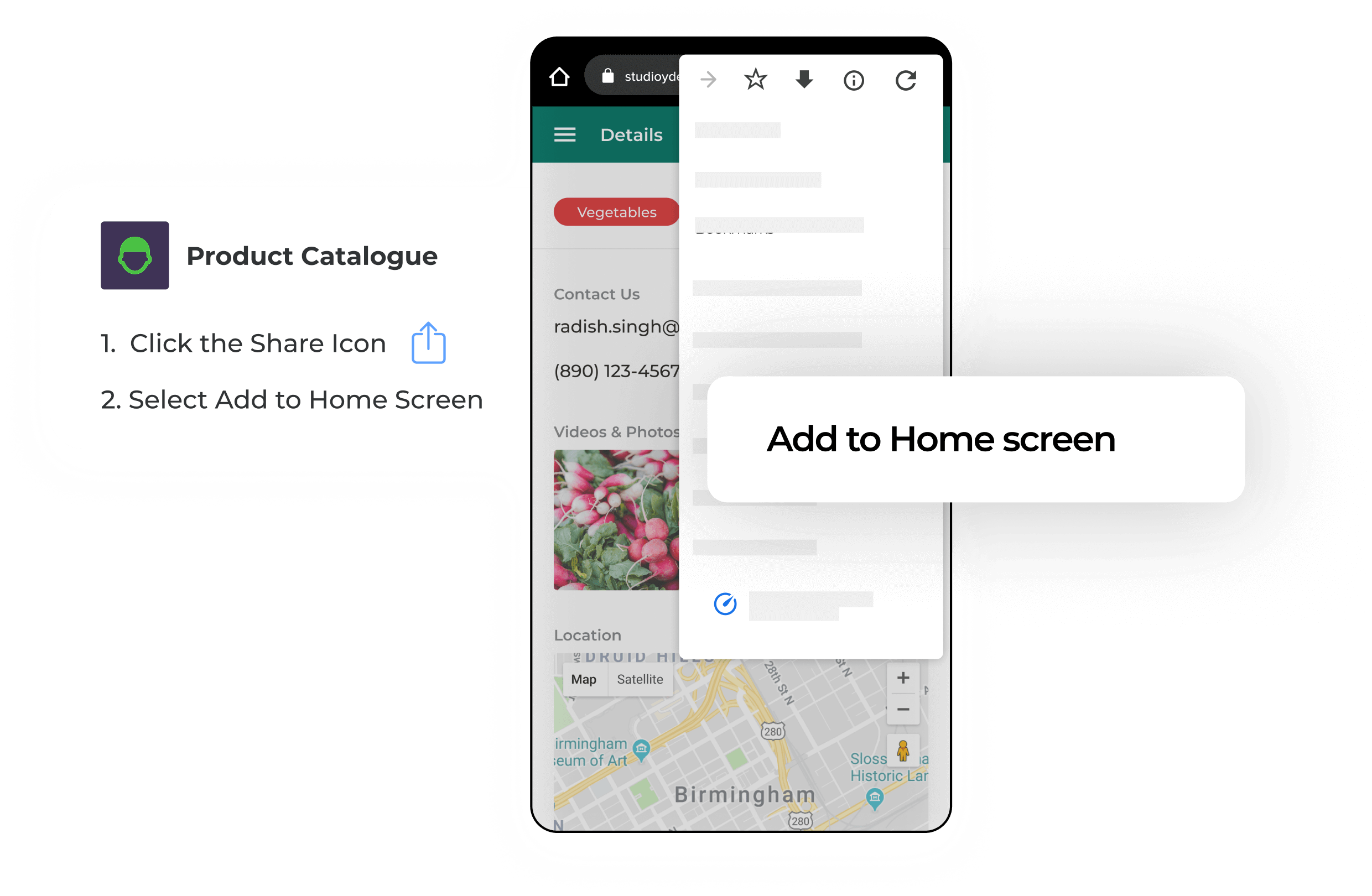 On a desk it is the same product, with room to see more of the same records. Nothing on that screen asks them to learn your sidebar, and nothing on it invites them to get Notion free.
Keep the editing in Notion. Ship the door the client actually opens. One database. A login that checks an email you already store. Their projects, their files, and their status, on your domain, and nothing else.