Your team already did the hard work. The databases exist. The statuses have names. The relations point at the right records. Someone on the team can open Notion on a Monday morning and see what is waiting, what is approved, and what belongs in the archive. That workspace is the system of record, and it should stay that way.
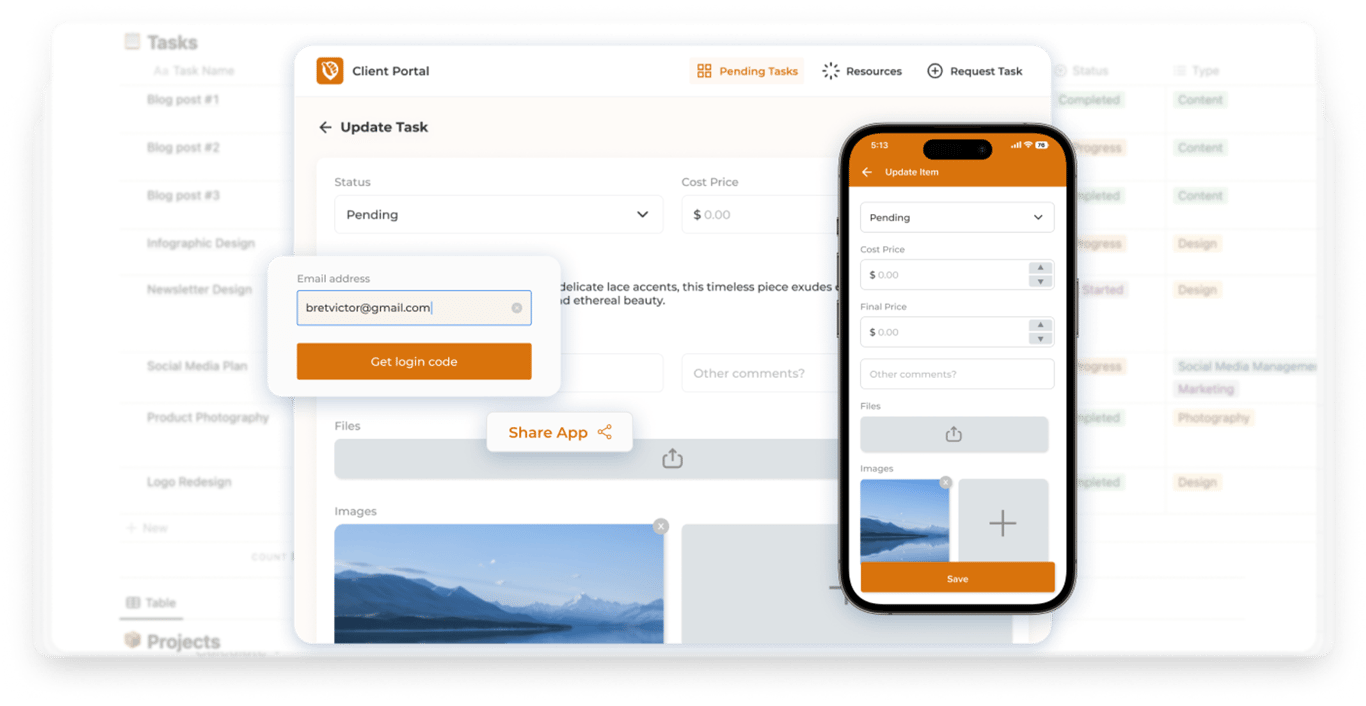
The trouble starts the moment someone outside the team has to use it. A client. A fan looking for a show this weekend. A student checking a submission. A technician standing in a driveway with a phone. You send them a link because the information is already in Notion, and the link does open. What they meet is the tool your team uses to run the company: every property the process needed, every view someone on staff relies on, and Notion's own layout around the page.
They did not come to learn that workspace. They came to finish one thing and leave.
Keep Notion for the editing. Ship the software the other person actually opens. The databases stay where they are. The app is the door in front of them: your name on it, a login when the people inside are a known list, and a screen that does the job they came for. On a phone that screen is the whole product. On a desk it is the same product, with room to see more of it at once.
The picture at the top of this page is that door. A person opens a catalogue. They search. They tap an item. The phone and the desk show the same records, in a layout that belongs to the app. Nothing on that screen asks them to understand how the team organizes the database behind it.
Who should never be handed a Notion workspace
Hand the workspace to the people who maintain it. Editors, operators, the person who fixes a status when a row was filed wrong. They need the properties, the views, and the freedom to change the structure when the work changes.
Everyone else needs a door that does their one job. If you would have to sit them down and teach them the sidebar before they could finish, the link you sent them is the wrong product.
The client
A client hired you for the work, not for a seat in your workspace. They want their projects, the files that belong to those projects, and a status they can read without a legend. "In review" should mean in review. "Approved" should mean they can use it.
Send them the Notion page where your team tracks the account and they also see the internal notes, the other clients' naming schemes, the properties you added for billing, and a chrome that is still Notion's. Some of them will poke around. Most of them will email you asking for the thing the page already contained.
A portal gives them their rows and a way to answer: approve this, ask for a change, request the next piece of work. Your team keeps editing the source in Notion. The client never has to.
The fan
A community calendar is a public list with a rule. Upcoming, approved, and dated today or later. A fan on a phone wants the room, the time, the price, and enough to decide whether to go. They might filter to concerts, or open the venue and see what else is happening there.
A shared Notion view can hold that list, and it will still look like Notion. The gallery, the filters, and the "this is a Notion page" frame are the product they experience, even when the information is right. The app is the same list in your name: a calendar and a directory, with the review queue somewhere they cannot wander into.
The student
A student needs their own submissions, the dates that apply to them, and a place to turn work in. A member of an association needs the same shape with a different noun: their record, their events, the documents the organization meant for them.
The database can hold every student. The app should open on one of them. Teaching a class to use the full workspace, including everyone else's rows, is how a directory becomes a privacy problem.
The technician
A technician is in the field. The visit has an address, a window of time, and a result the office needs before the end of the day: what they found, a photo, a signature, the status that moves the job along. Notion on a phone is a workspace squeezed onto a small screen. The app is the visit. They open it, do the job, and the row back in Notion is updated because that is where the office already works.
A partner who only owns one slice of the business belongs in this group too. Their orders, their locations, their people. The rest of the company stays in the workspace.
What stays in Notion
The app is not a second system of record. Moving the company out of Notion, exporting the archive, and keeping two copies in step is the project you should refuse. The door sits on the databases you have.
The databases
A show, a project, a job, a student record, a request: each one is still a row. The properties you already trust stay the properties. The team adds a column in Notion when the work needs one. The app reads and writes those rows. People outside the team never have to see the column that exists only so your Monday view can sort.
The statuses
Approved, rejected, in review, scheduled, complete. Your views already filter on those words. A board grouped into "to do," "in progress," and "complete" keeps working when the app sets the same values a person would have set by hand.
That is the whole contract. The queue in the app shows what is still open. The public page shows what has been approved and is still current. Rejected stays off the public page and out of the working queue. You do not invent a second vocabulary for the app and then translate it back every evening.
The relations
A show belongs to a venue. A project belongs to a client. A visit belongs to a technician. When that link is a relation, the venue page can list its shows, and the client page can list its projects, because the row points at a real record.
When the link is a name typed into a text field, you have two lists that only look connected. The directory and the calendar mention each other. They do not know each other. New submissions should write the relation. Old rows can keep the text they already have, and you can link them when you next open them. The archive does not need a migration project before the app is useful.
The archive
Years of old rows stay years of old rows. A past show, a closed project, a finished visit: they remain in Notion, under the filters you already use. The app can show history when someone should see it, and it can leave history off the screen when the job is "what is happening now."
Your team keeps editing in Notion. Formulas, rollups, and the views on the wall stay yours. The app is how another person meets the result.
What the app is for
Three jobs. If a screen does not serve one of them, it can wait.
A branded front door
The name, the icon, the colors, and the address are yours. A client who opens portal.yourcompany.com should see your company before they see a tool vendor. A fan who opens the calendar should see the community's name, in the community's colors.
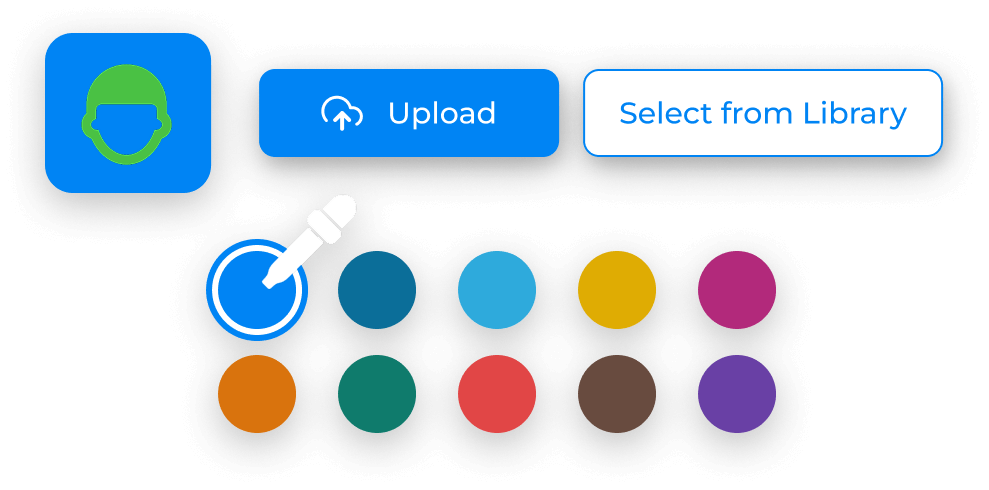
Brand here is practical. People trust a link that matches the organization they already know. They hesitate at a link that looks like someone else's product with your logo pasted on. The icon and the theme are the first proof that this door is yours. The domain is the second. A subdomain you already own, such as portal or calendar under your site, is enough. You do not need a new company name for the app.
A login
A public calendar does not need an account. A portal does. The people allowed in are a list you already have, or a list you are willing to collect: name and email, in a Users database. The app checks that list.
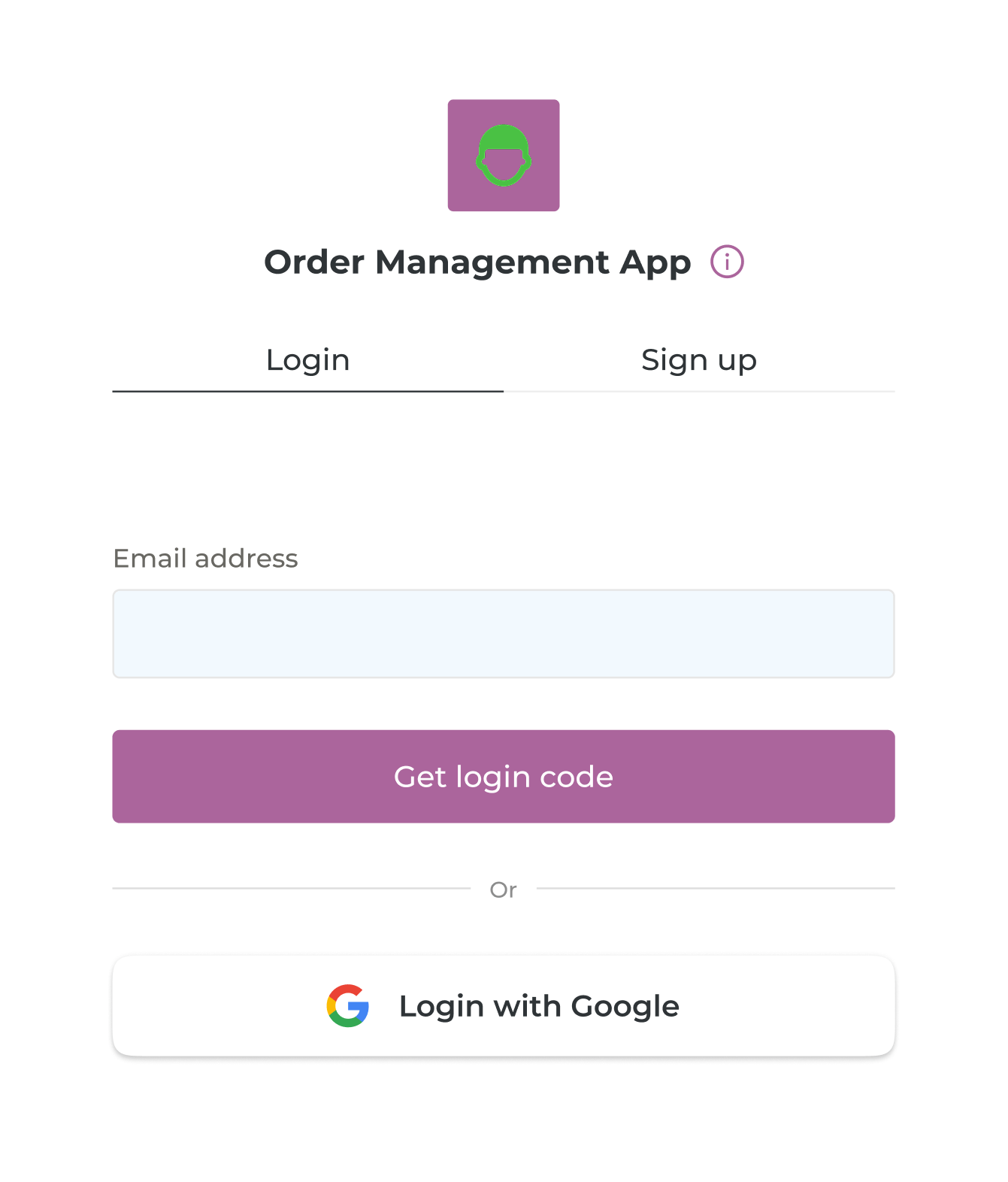
For most teams that check is an email and a one-time code, or Google. The person proves they are the address you allowed, and they are in. A company whose IT already runs sign-in for everyone else can use that same sign-in here, so the app is not a new password to forget.
Signup, if you turn it on, is still a door you control. You can leave it off and add people yourself. You can open it and limit it to addresses at one domain, so a client company can join and a stranger cannot. The list remains the allow list. An address that is not on it stays outside.
The one job
The calendar. The client's projects. The student's work. Today's visits. The request a customer just sent. Pick one of those and make it the screen they land on.
Search belongs there when the list is long. A filter belongs there when you already publish types people ask for: concerts, open mics, commercial jobs, residential jobs. A form belongs there when the visit is "tell us what happened" or "submit this for review." The form writes a row into the database you already have, with the status your queue already understands.
Then the screen gets out of the way. A person on a phone should finish without pinching a desktop page. The same app on a desk can show more, because they are the same records. A home screen full of every database you own is the workspace again, wearing a new color.
Someone without a Notion account has to be able to finish. That is the test. If they need an account in Notion, a tour of your views, or a message to you to interpret a property name, the door is still a shared page.
A public page versus a private tool, and how to tell which you need
Both are apps. They fail in different ways when you mix them up. A public page that includes the review queue publishes work you have not accepted. A private tool with no login is a secret that lasts until someone forwards the link.
When a stranger should see it
Directories, community calendars, and a form that lets a person submit a show or a request are public. The link can be on your site, in a bio, on a poster. Anyone can open it.
What they read is the rows that have earned it. Approved, and still current. A submission lands as new. It waits. Your team checks the date, the place, and the proof, then approves it or rejects it. Approved and still ahead, it appears for everyone. Rejected, it stays off the public page. In review means a person has started and is not ready to decide. Those words can be the words already in your database. The app follows them.
Keep the private fields off that page. Phone numbers, email addresses, contact names, internal notes, and the queue itself. The public record is the event, the place, the time, and what a stranger needs in order to show up or to send something in.
When the row belongs to one person
Client portals, member sites, student portals, internal tools, and field apps are private. The person signs in. They see their rows. An office manager still sees the whole list, because their account is allowed to.
The split is already in the database if you have been careful. A project related to one company. A submission related to one student. A visit assigned to one technician. An email on the row that matches the email they used to sign in. The app uses that match. You do not build a separate database per client and then spend the year copying columns between them.

The picture is the idea in one frame. On the left, the table your team lives in: every task, every owner, every status. On the right, the phone one person opens: their tasks, with a status they can read, and navigation for the jobs that are theirs. Same records. A shorter list.
Hiding a screen in the menu is a different decision from hiding a row. A screen can stay out of the navigation because it is a step in a flow, reached by a button, and still be something that person is allowed to open. A row they should never see has to be filtered by who they are. Menu tidy-up will not do that job.
Both doors on the same databases
Many teams need both, and they already have the databases for it.
The public calendar, and the desk where you approve what goes on it. Fans never sign in. You do. A submission from the public form arrives in the queue with a status of new. You fix the venue link if it is wrong. You approve it. It shows up for fans, and it shows up in the Notion view that uses the same filter.
The form a customer fills in, and the queue your team works from. The customer can see the status you are willing to show them. The technician claims the job. The office sees all of it.
The client portal, and the workspace behind it. They review the work that is theirs. You keep the production notes in Notion.
Notion holds the rows. Each door shows the part that door is for. You can tell which door you are building by one question: who is allowed to wander in?
If a stranger with the link should see it, build a public page and publish only the rows that have earned it.
If the row belongs to one company, one student, one member, or one technician, build a private tool. Put their email in the Users database. Open the app on their work and leave the rest closed.
If you need both, build both on the databases you already have. Leave the archive where it is. Keep editing in Notion. Ship the software the other person opens.